 OwnPix

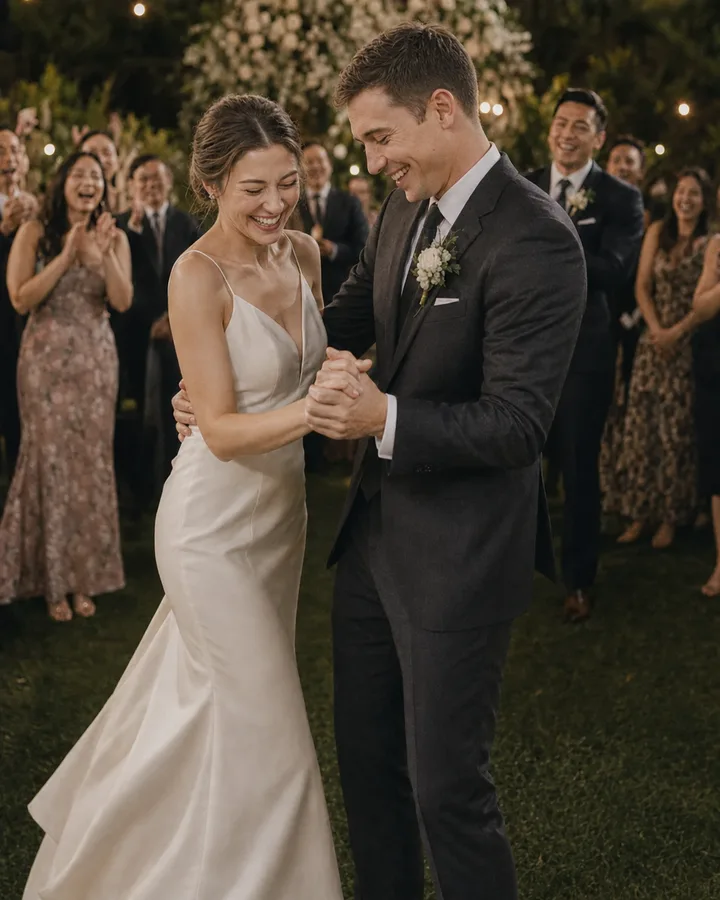


Set up your album before your stationery goes to print. For separate ceremony and reception albums, choose a plan with multiple albums and give each a clear name.
Choose a way to share
The easiest option depends on your guests. Check how they join and what happens to the album after the wedding.
| Option | Good for | Check before sharing |
|---|---|---|
| OwnPix | Guests scan a QR code or open a link in their browser | Anyone with the link can open the gallery after it reveals |
| Google Photos | Your guests already use Google Photos | Check sharing and contributor settings before sending the link |
| Apple Shared Albums | Your guests already use Apple Photos | Invitations and web sharing depend on software version |
For Google Photos, create a shared album and enable sharing. In Apple Photos, create a Shared Album and invite your guests. The linked guides show the current steps for each device.
Help guests find it
Put the code where people pause, such as the welcome table, bar, or dining tables. Add a short instruction:
Scan to add your photos and videos. No app needed.
Ask your MC to mention the album during the reception. You can also email or text the link to guests, including family who could not attend. They open the link and upload their photos to the album.
If a guest gets stuck
| Problem | What to try |
|---|---|
| The code will not scan | Test a larger print and include the written album link |
| The venue has weak signal | Share the link so guests can upload when they have a connection |
| The gallery looks empty | Tell guests if Film Roll Mode is waiting for its reveal |
After the wedding
Send one reminder with the link for anyone who has not uploaded yet. Once guests have shared their photos, download the album before your storage period ends and keep a second copy somewhere you control.
Do and don't
| Do | Don't |
|---|---|
| Test a printed QR code in the venue lighting | Assume a code that works on your screen will scan from every table |
| Tell guests whether photos reveal later | Leave guests wondering why the gallery looks empty |
| Keep a second copy of your photos | Treat the event album as your only backup |