 OwnPix



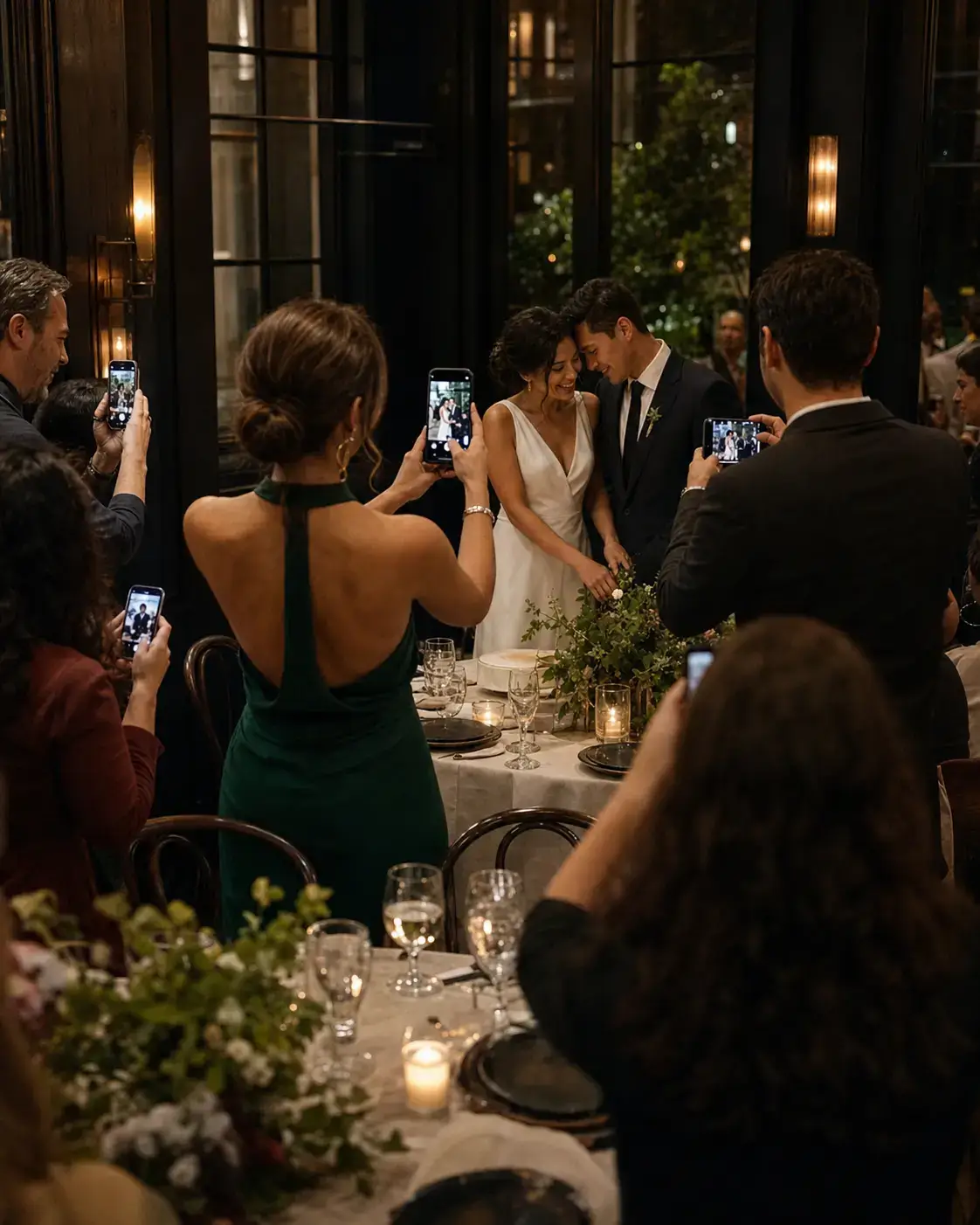
Compare the choices
| Method | Best for | Keep in mind |
|---|---|---|
| QR event album | Collecting guest photos in one place | Anyone with the link can access the revealed gallery |
| Google Photos or Apple Shared Albums | Family already using a shared library | Check guest access and contributor settings |
| Cloud folder | Passing files to a smaller group | Set permissions for the people adding files |
| Direct messages | Sharing a few photos quickly | Pictures can be scattered across conversations |
Ask your photographer about their gallery and delivery terms. A guest album can collect a different view of the day, but it is not a substitute for the photographer's delivery.
Send a clear invitation
Place the event QR code at the reception and add “Scan to share your photos.” Send the same link after the wedding for guests who upload from home. If the gallery reveals later, tell people when they can return.
Keep the collection
Download the pictures before your album's storage period ends. Keep a second copy on a drive or in cloud storage you control.