 OwnPix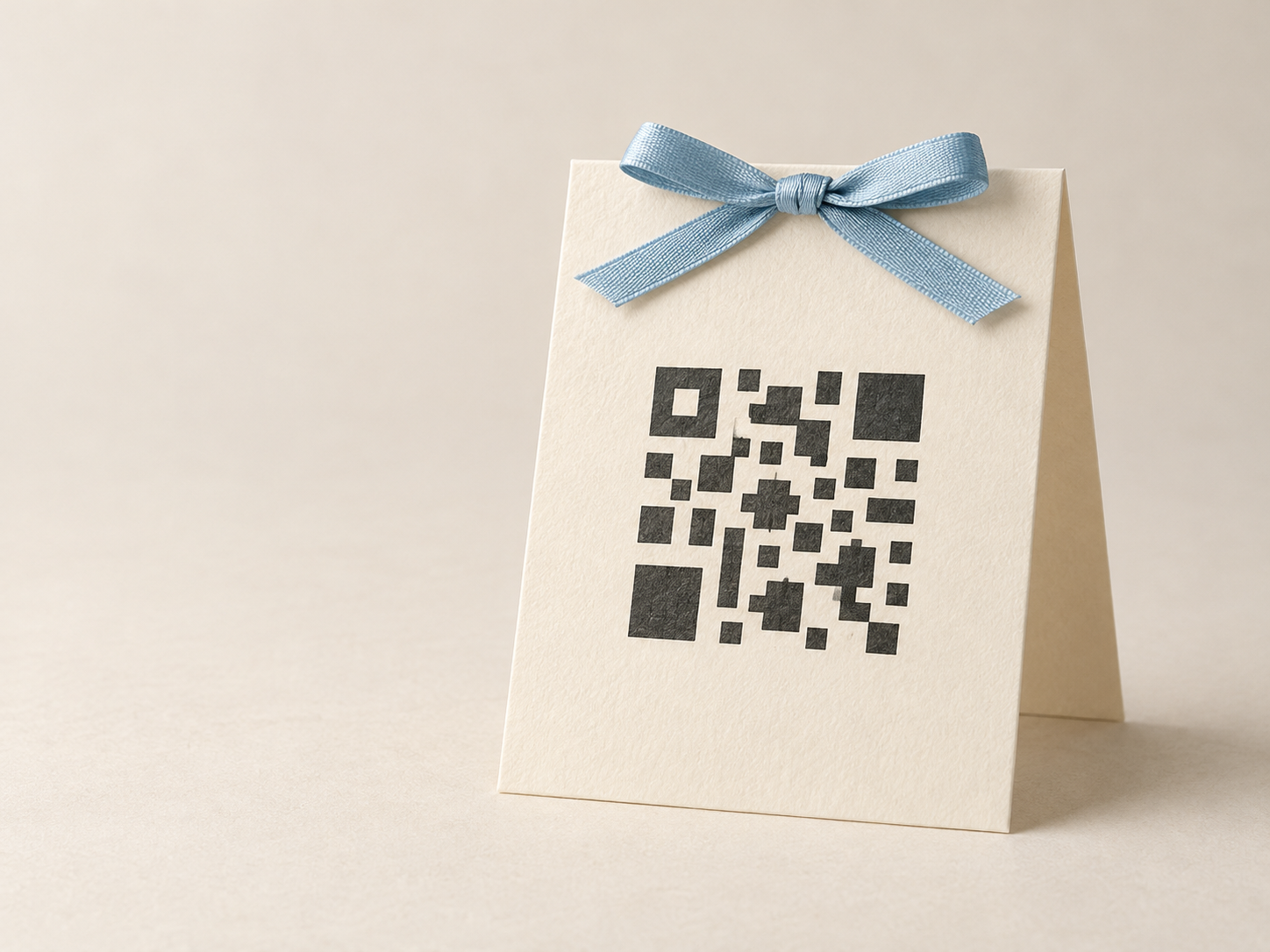
Do I Need Technical Skills to Set Up a Photo Sharing Platform?
You do not need technical skills to set up wedding guest photo sharing when the platform gives you a clear event link and QR code. A short test before the day is usually enough.
Oct 12, 2026 Team OwnPix
TLDR
No. A guest photo-sharing platform should be simple enough to set up without code, design software, or an IT person. You usually create an event, check the sharing link, make a QR sign, and test the guest flow on a phone. OwnPix is built around that short setup. If a platform asks you to configure technical settings before guests can upload, it is probably more work than most weddings need.
Create your event
What "technical skills" usually means here
People often worry that a photo-sharing platform will involve accounts, passwords, downloads, file settings, or a long list of choices they do not understand. That is a sensible concern. Wedding planning already has enough moving parts.
For a normal guest album, the useful work is practical, not technical. You need to decide what event the album is for, create it, and make it easy for guests to find. The platform should handle the rest.
You should not need to write code, connect a database, make a website, or know how QR codes are made. You also should not need to teach every guest how to use it. A good setup gives them one clear path: scan a code or open a link, then add photos.
There can still be choices. You may pick an event name, upload a cover image, decide where to put signs, and choose who gets the link. Those are wedding decisions. They are not technical tasks.
A simple setup has four parts
The shortest reliable setup follows the same pattern every time.
1. Create one event
Start with one shared place for the occasion. Give it a name that guests will recognise, then check the event page from a phone. Do this while you have a quiet ten minutes, not while you are packing for the venue.
With OwnPix, this is the point where you make the event guests will join. Keep the name plain. "Maya and Sam's wedding" is easier to recognise than an inside joke that only a few people will understand.
If you have several wedding events, decide whether you want one shared collection or separate ones before you print anything. A rehearsal dinner, ceremony, and after-party can all work with guest photos, but separate links only help if guests can understand which link belongs where.
2. Open the guest link yourself
Do not assume the link works because the organiser view works. Open the guest link in a private browser window or send it to a friend. You are checking the same path a guest will take.
Look for a clear first action. Can a guest tell where to upload? Does the page make sense on a small screen? Does the event name look right? This does not take long, and it finds the awkward parts before your wedding day.
Our guide to collecting wedding guest photos in one place covers the basic guest journey if you are still choosing how to organise the album.
3. Make a QR sign
A QR code is only a short route to the event. You do not need to understand its pattern or make it by hand. Use the QR code the platform provides, or create your sign with the OwnPix QR sticker designer.
The sign needs one job: make guests curious enough to scan and clear enough to work. Put it where people naturally pause, such as the welcome table, guest book, bar, or photo booth. Add a direct line like "Share your photos from today." That is enough.
Keep the code dark on a light plain background. Print a test at the real size before ordering or making several copies. For more detail, read our guide on matching a QR code to your wedding theme without making it difficult to scan.
4. Test with another phone
This is the only step that can feel a little technical, but it is really just a rehearsal. Ask someone to scan the printed sign and follow the steps without you explaining them. Use a different phone if possible.
You are testing the sign, the link, and the wording at once. If they hesitate, notice where. Maybe the QR code is too small. Maybe the sign does not say what guests are meant to do. Maybe the event name looks unfamiliar. Small changes now save you from trying to troubleshoot during dinner.
What you do not need to do
You do not need to create a custom wedding website for guest photos. A wedding website can be useful for travel details, RSVPs, and schedules, but it does not have to carry every job. A direct photo link is often better because it removes an extra step.
You do not need to make every guest create an account before they can participate. The more steps there are between a guest and an upload, the more likely people are to postpone it and forget. Keep the invitation to share photos small and clear.
You do not need professional design tools. A plain printed card with a readable code can work better than a beautiful sign with too much decoration. If you care about the styling, borrow colours or a border from your stationery and leave the code area clean.
You also do not need to set it up months in advance. It is still smart to do it before the final week so you can print and test your signs, but the actual event setup should not become another project on your checklist.
Where people get stuck
Most setup problems are not about technology. They come from trying to solve too many things at once.
One common problem is having too many sharing methods. A hashtag, a group chat, a shared drive, an email address, and a QR album all ask guests to make a choice. Pick one main place for uploads. If people want to share elsewhere too, that is fine, but give the room one obvious instruction.
Another is treating the QR sign as the whole plan. The sign is useful, but people also need a reminder. Ask a friend, host, or DJ to mention it once. Put the same message on a welcome sign or menu card if that suits your day. You are not asking guests to learn a system. You are reminding them where their photos can go.
Some couples spend too long adjusting the sign because it has to match every detail of the wedding. Stop when it is readable and feels like yours. Nobody will inspect the margin around the QR code. They will only notice whether it scans.
A good setup is boring in the best way
The platform should disappear into the event. You create it, test it, place a sign, and let guests do the rest. If you find yourself reading technical documentation or asking whether you need to change a setting you do not understand, pause. Check whether that setting affects your guests at all.
For OwnPix, the useful preparation is straightforward: create your event, check the shared page, print a tested QR sign, and give guests one friendly prompt. That is enough for most weddings.
There is a small trade-off. A less complicated setup gives you fewer knobs to adjust. For a wedding, that is usually a relief. You want the album to work while you are busy getting married, not because you became the person managing it.
When you might need extra help
You may want someone else to take over if your event has unusual requirements. For example, a large multi-day celebration may need several signs and a person responsible for placing them. A venue with weak reception may mean you should test the guest flow there. A planner may prefer to include the QR code in an existing stationery pack.
That is coordination, not a technical skill gap. Give that person the guest link, show them the final sign, and make sure they know where it will go. Do not turn them into support staff for every guest.
If you are working with a wedding planner, send them the sign early. They can place it with the guest book, table plan, or welcome materials. If you are doing the wedding yourself, give the job to one trusted person on the day. You should not be hunting for a frame while guests arrive.
A quick checklist before you print
- Event name looks right on a phone.
- Guest link opens to the right event.
- QR code scans from the printed sign.
- Sign says what guests should do.
- A friend can follow the path without help.
- Someone knows where the signs will go on the day.
If those six things are true, your setup is ready. Leave the rest alone and get back to the parts of the wedding you actually enjoy.
Frequently asked questions
Yes. A normal setup should only need an event, a guest link or QR code, and a quick phone test.
No. A wedding website can be useful, but a direct guest photo link or QR code can work on its own.
Yes. Test the final printed sign with another phone so you see the same path your guests will use.
Give that job to a planner, venue contact, or trusted guest. You should not need to handle it while people arrive.
Create your event