
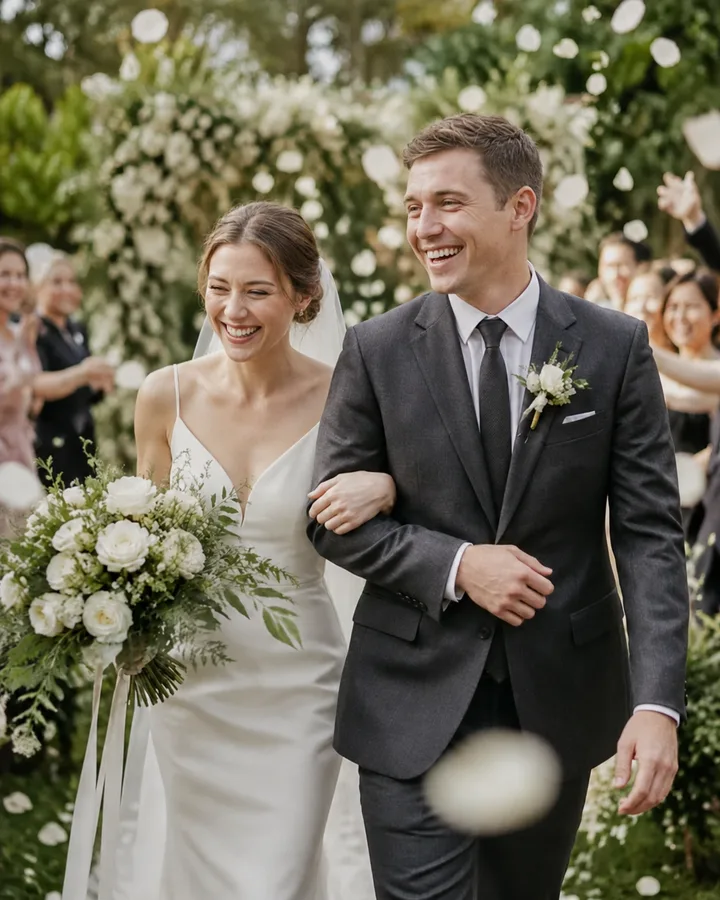
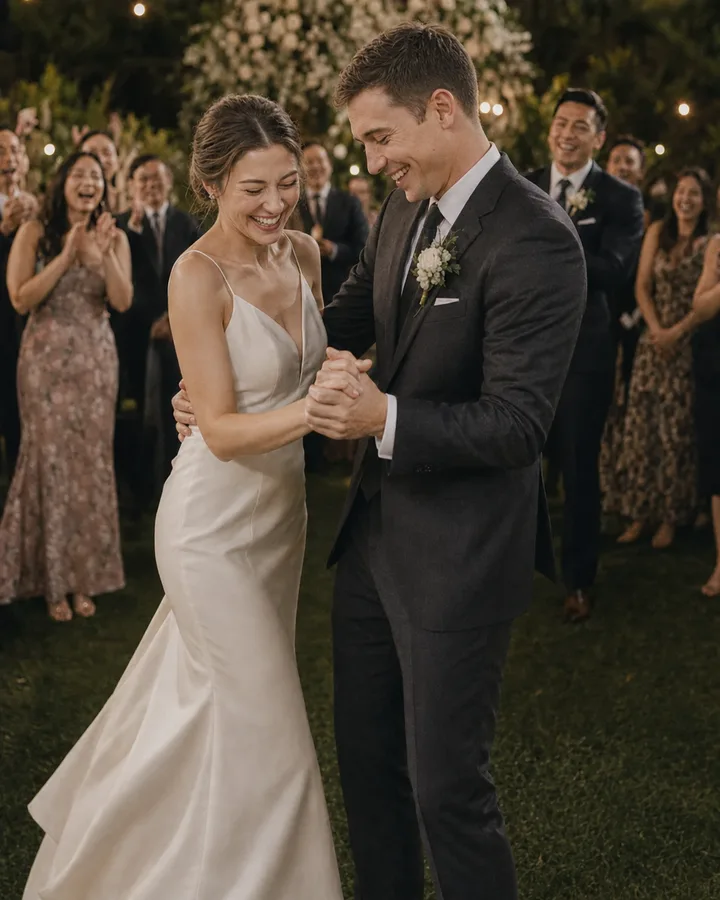
Wedding photos

How to Make a Wedding Photo Dump

Collect and choose candid wedding photos for a photo dump that feels like your day.

Create your event

Guests can share from their browser, with no app to download.

The short answer

A wedding photo dump is a casual collection of moments from the day. Gather photos first, ask before sharing pictures of others, and choose a mix of details and candid moments.

A simple plan

Collect photos

Ask guests to upload to one shared album.

Pick the moments

Mix candid shots with small details.

Check with guests

Ask before posting recognizable people.

Share your selection

Choose a private group or public post.

Choose photos that tell the story

MomentA photo to look for
Getting readyA detail before everyone arrives
CeremonyA reaction from the seats, if photos were allowed
ReceptionFriends catching up or sharing a laugh
End of the nightA last dance or a quiet goodbye

You do not need a perfect timeline. Choose images that make you remember how the day felt, including the small moments your photographer may not have seen.

Ask before posting

An event album and a public social post have different audiences. Check with guests before publishing a photo they might consider private, especially photos of children. If the couple requested no social posts, respect that.

Keep the originals

Download the photos you want to keep before the event album expires. If your photographer supplied images, check the agreement before editing or sharing them.

How OwnPix helps

OwnPix gives guests one event album to add photos from their phones. You can download the collection and choose what, if anything, to share elsewhere.

Frequently asked questions

Bring everyone’s photos together

Choose your plan, pay once, and set up your event album.

Create your event