 OwnPix
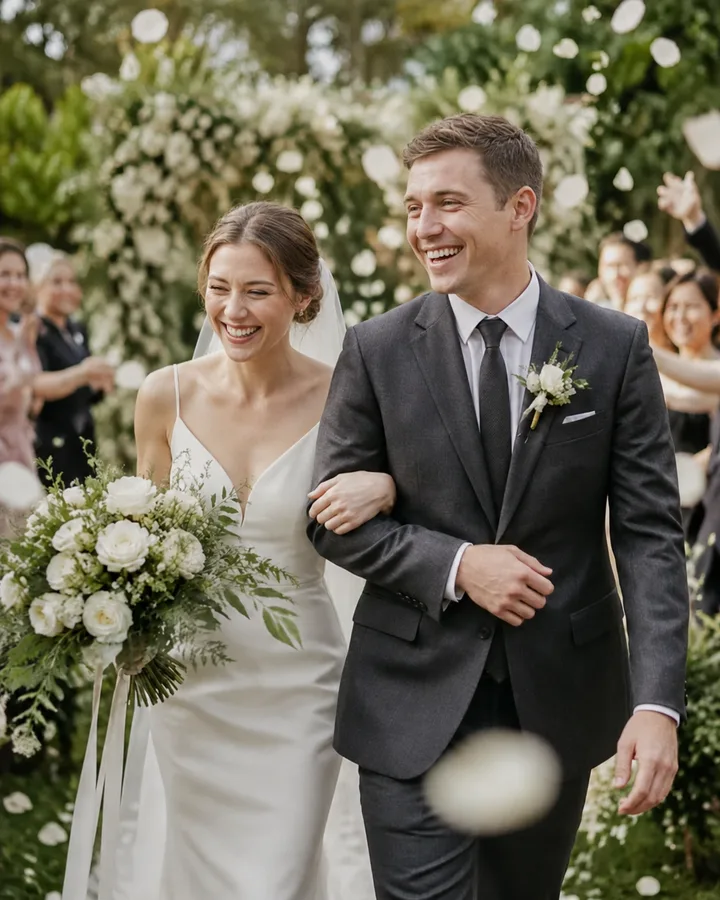
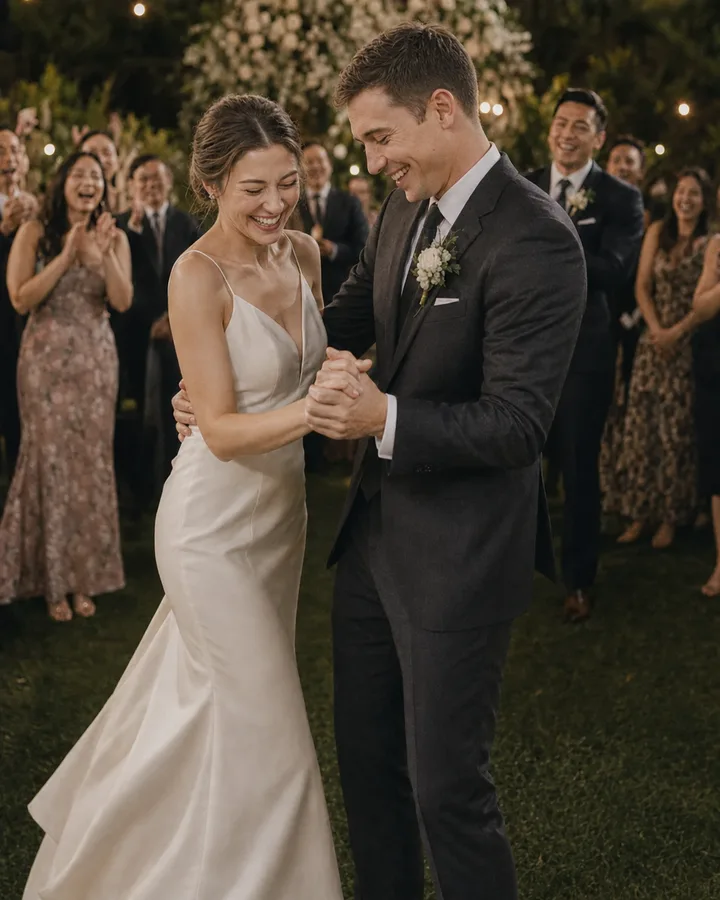
Pick a photo for the person
| Card | Photo idea | A personal detail to include |
|---|---|---|
| General thank you | A favorite photo of you together | How much it meant to celebrate with guests |
| Family | A candid group moment | A memory you shared that day |
| Wedding party | A photo together before the ceremony | Something they did to help |
| Someone who could not attend | A moment that shows the celebration | A note about missing them |
Ask the photographer about print permissions if you use their image. For a guest photo, ask the person who took it and anyone pictured before printing or sharing.
A simple note to adapt
Thank you for celebrating with us. We loved seeing you and will always remember that moment together. Your kindness meant a lot to us.
Replace the general sentence with a memory or a specific thank you. Check names, addresses, and the print preview before sending cards.
Save the photo separately
Keep a copy of the image you choose, along with the rest of the collection. Do not rely on an event link that may expire.